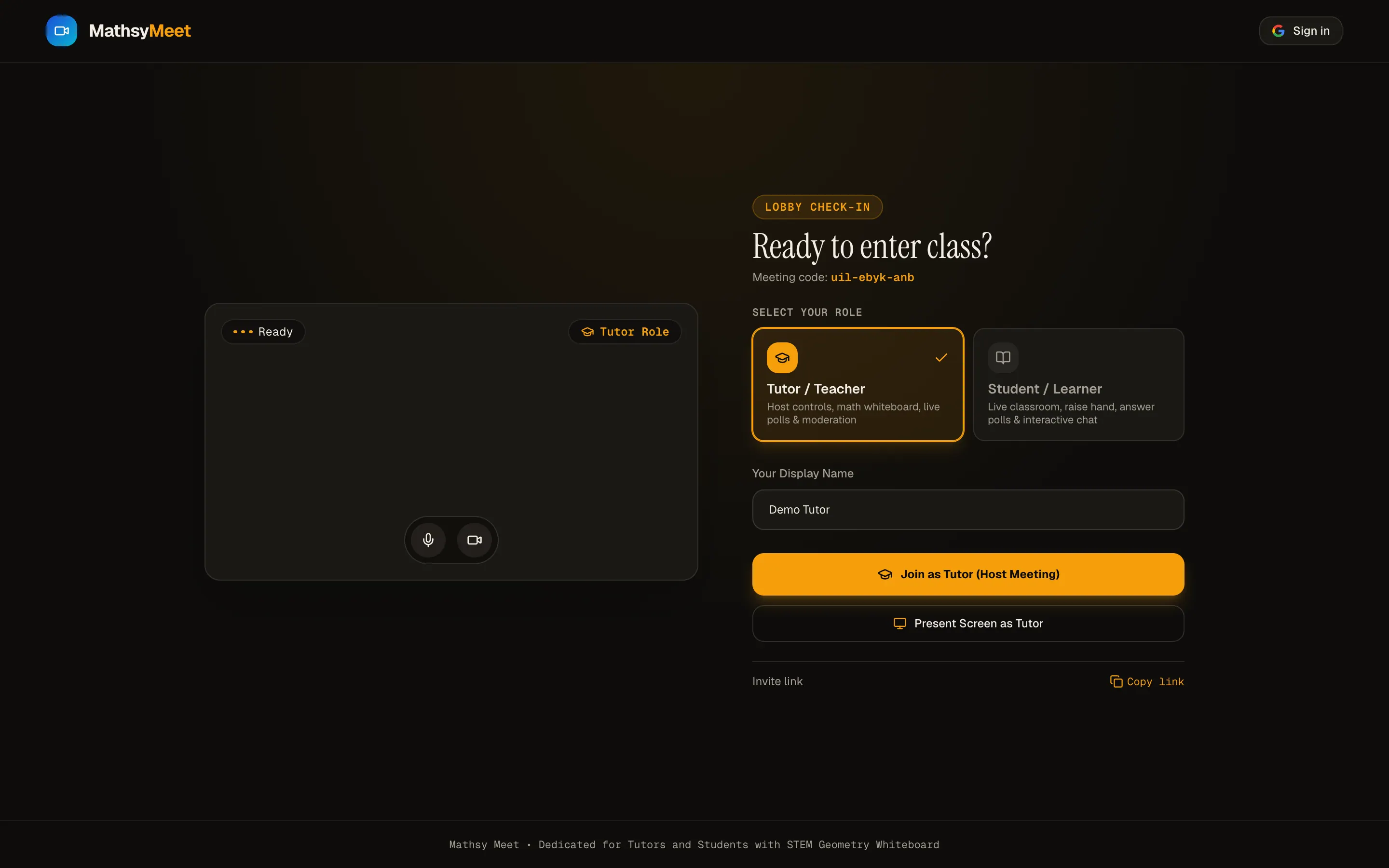
Teach maths live with real geometry tools.
No clunky third-party screen-sharing. Draw circles with a true digital compass, measure degrees with an on-screen protractor, share your screen, and poll students in real time.
Take the tour
Real screens from Mathsy Meet.
Demo participant shown for illustration.
Features that actually help you teach maths
Everything you need for engaging, interactive live classes with your students.
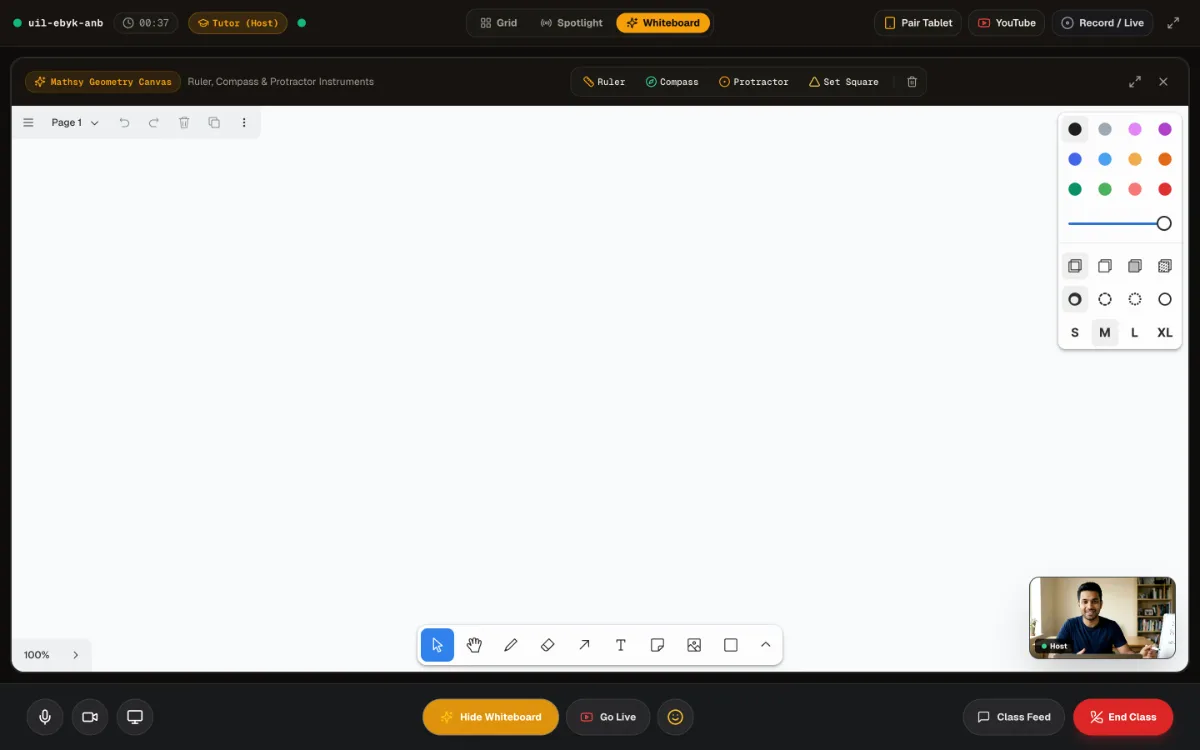
Whiteboard with compass, protractor, ruler and set-square
True geometric instruments that mimic physical classroom tools right on your digital whiteboard.
- •Compass with adjustable radius for constructing accurate circles and arcs
- •180° protractor with rotating pointer and angle degree readouts
- •Ruler with clear metric markings for drawing straight lines to scale
- •30-60-90° and 45-45-90° set-squares for coordinate geometry and triangles
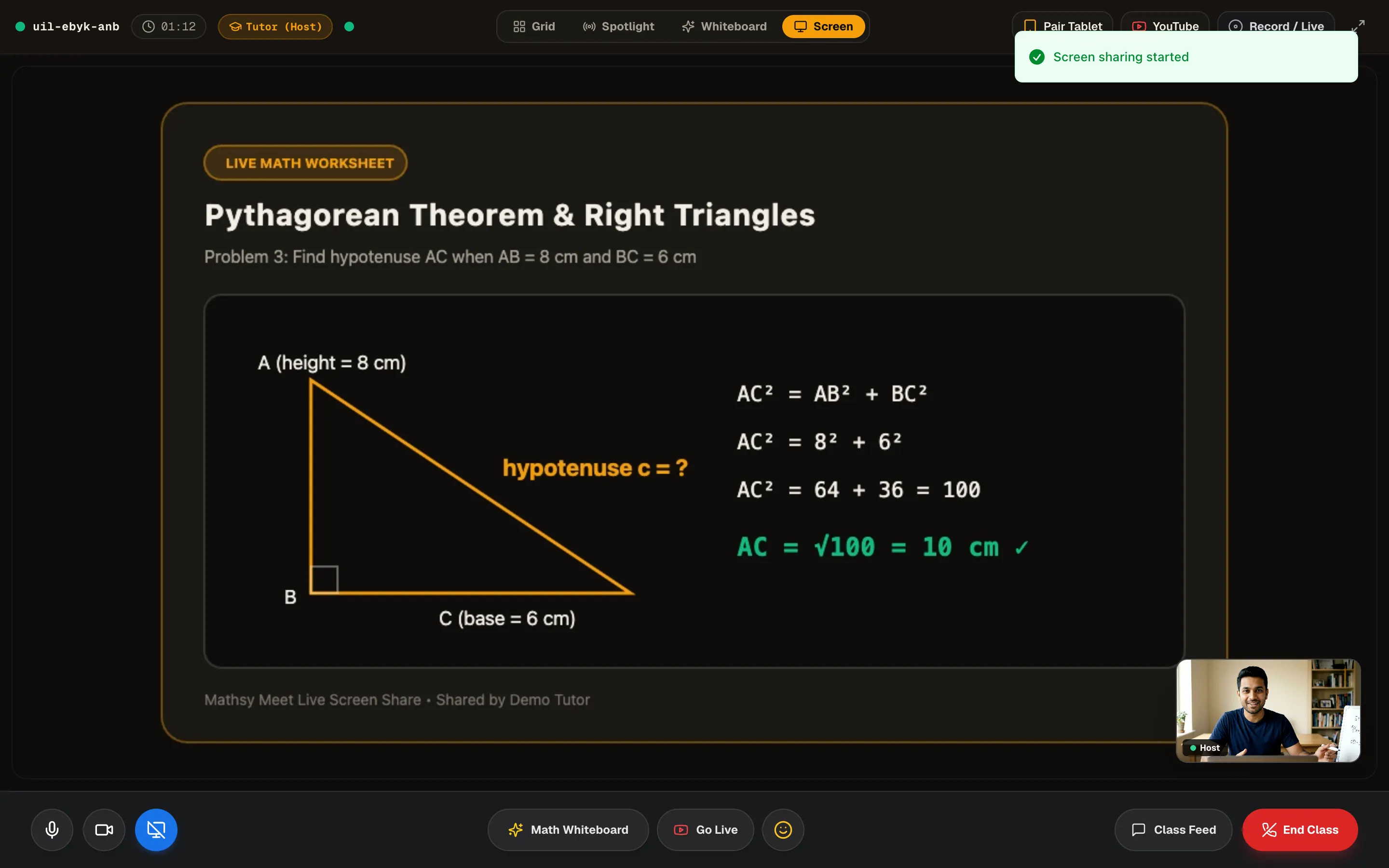
Screen sharing & fullscreen mode
Seamless display sharing for interactive simulations, software demos, and problem walkthroughs.
- •Tutors and students can share their screen in one click
- •Share entire monitor, a single software window, or a specific browser tab
- •Full-bleed fullscreen display maximizing canvas and video visibility
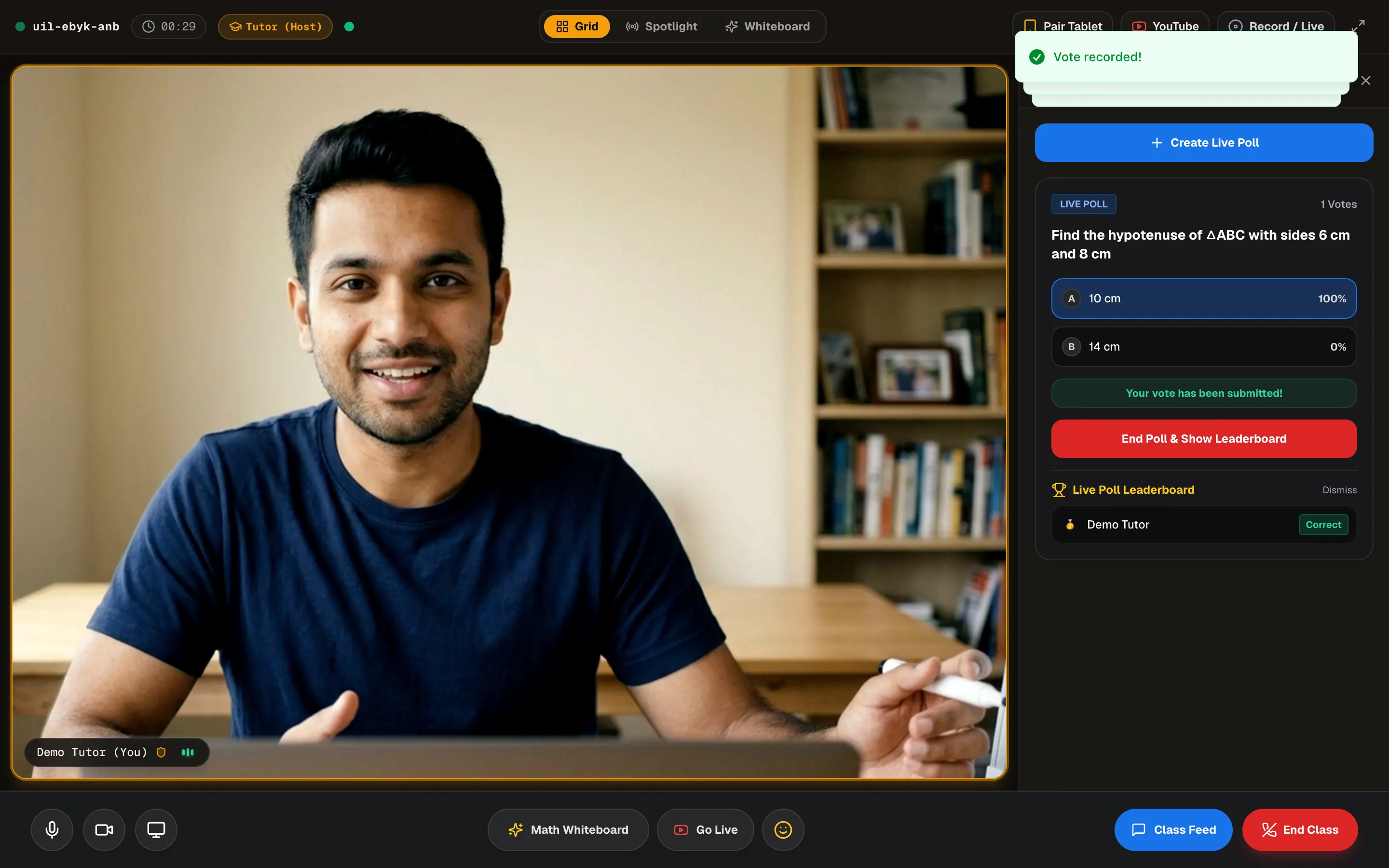
Live polls (single & multi-choice) with live results and leaderboard
Run quick polls during live class and track student comprehension with instant tally feedback.
- •Create quick polls with 2 to 6 custom answer choices and timed countdowns
- •Real-time live vote counts and response percentages as students submit
- •Instant leaderboard reveal to reward top student answers and review core concepts
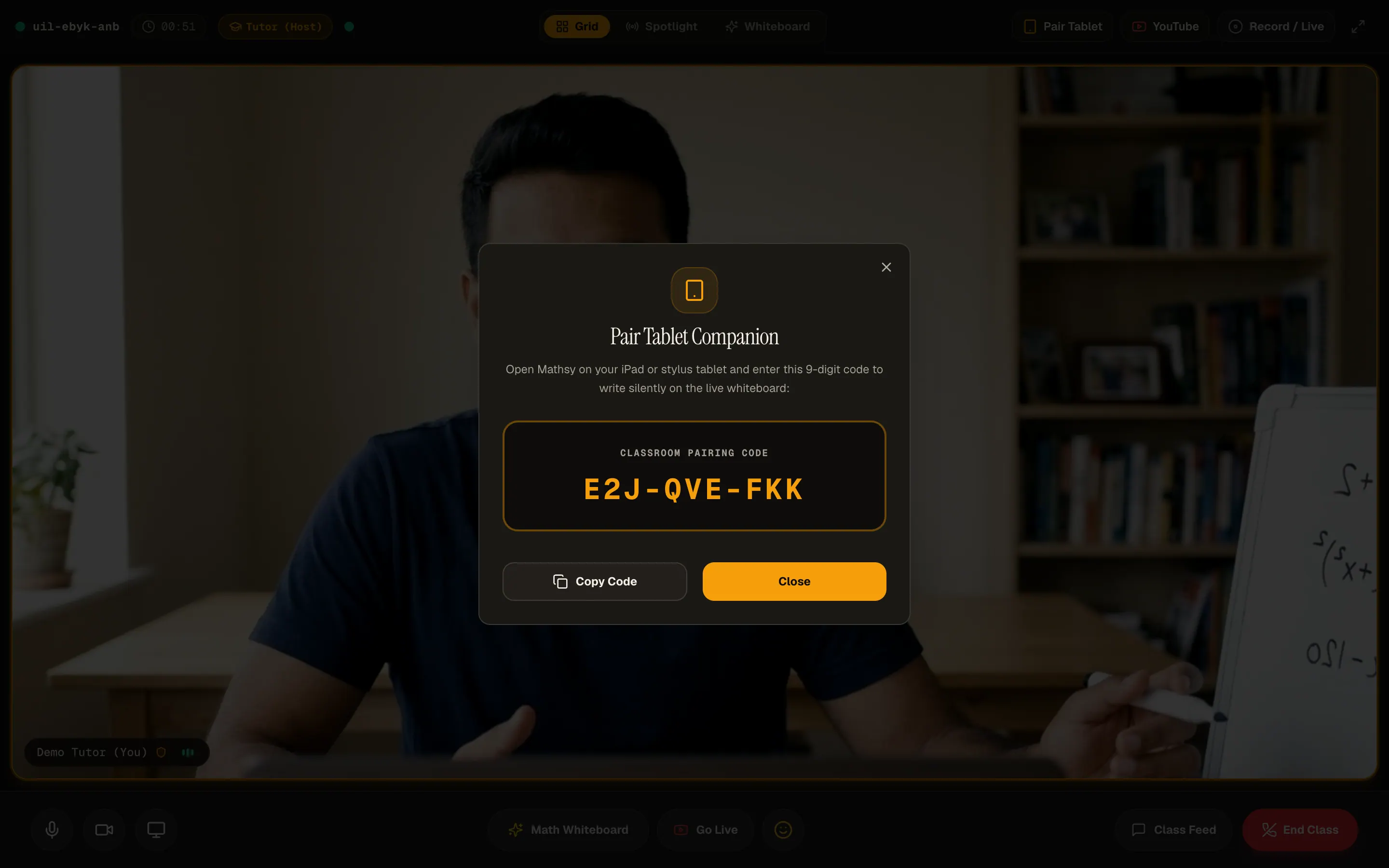
Write with your tablet like paper
Pair your iPad, Android tablet, or drawing screen as a dedicated digital pen without audio feedback.
- •Pair in seconds using a 9-digit companion code generated in your classroom
- •Draw naturally on the infinite whiteboard using your tablet stylus
- •Zero audio echo: tablet runs silently while laptop handles camera and mic
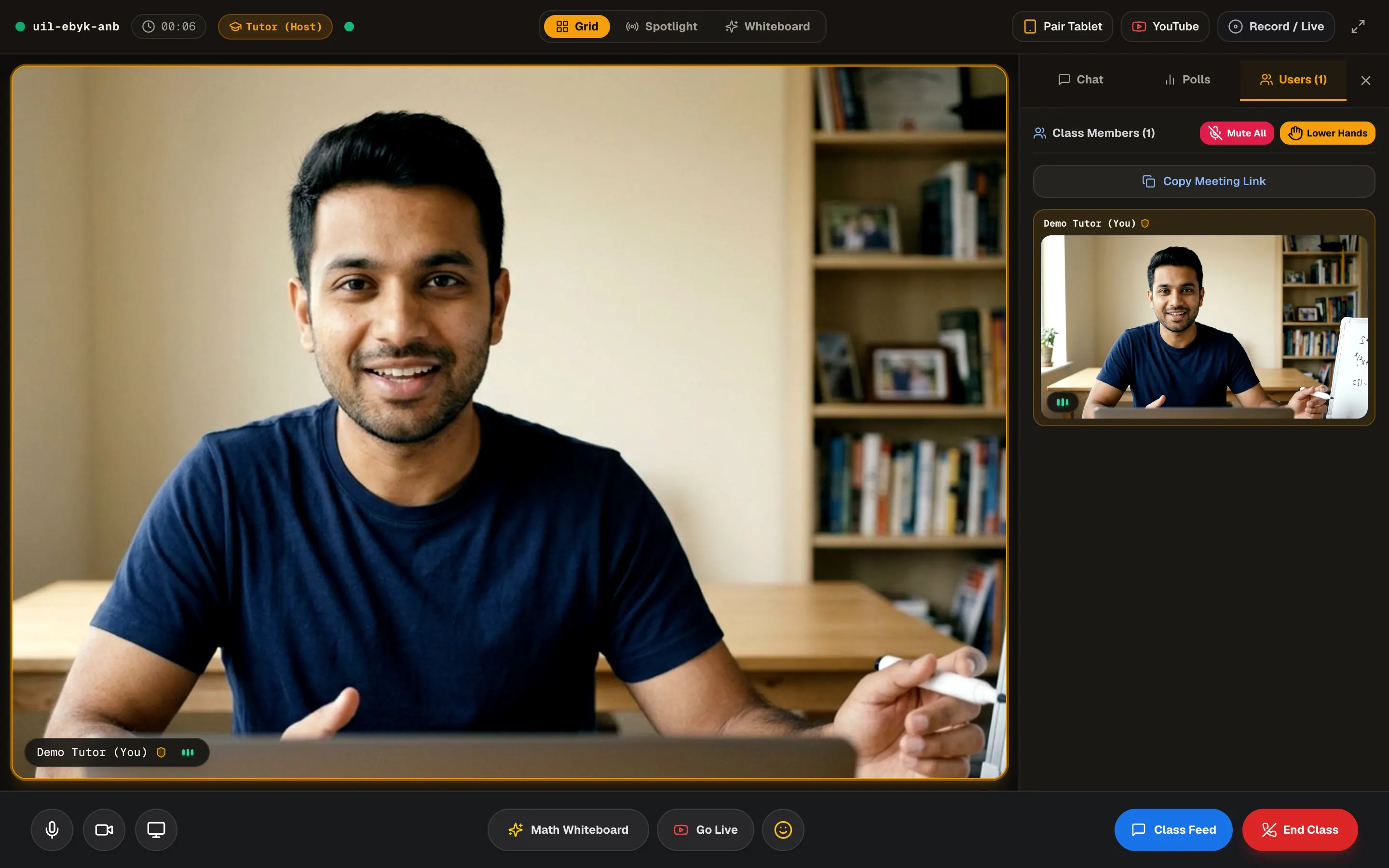
Classroom controls that actually control the class
Tutor moderation tools designed specifically for teaching discipline and focused attention.
- •One-click 'Mute All' to eliminate student background noise immediately
- •Lock chat for students during lectures to prevent distractions
- •Lower all raised hands at once or lower individual questions
- •Camera rules: ask students to keep cameras on with approval-gated exemptions
- •Remove disruptive participants from class with no-rejoin protection
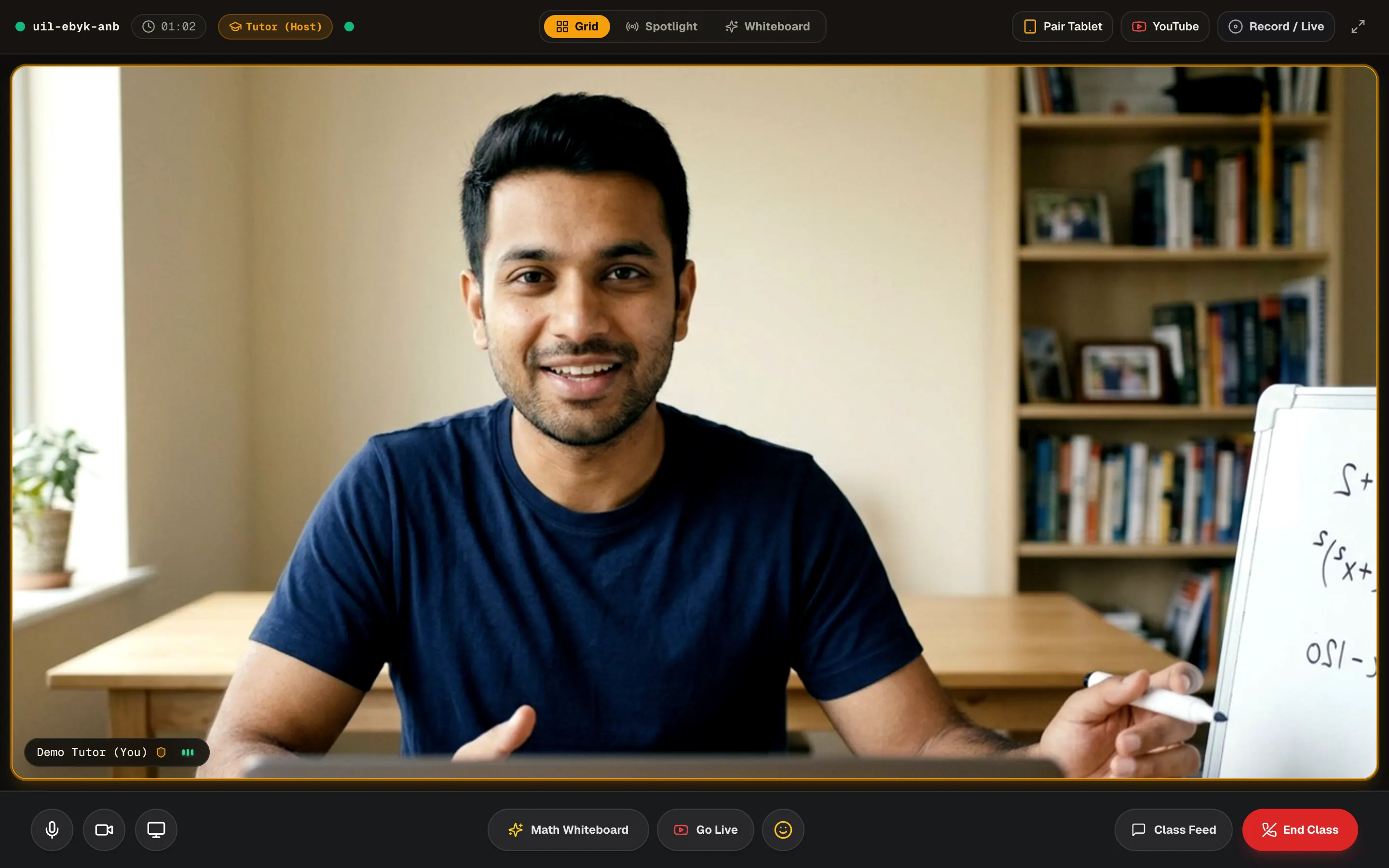
Video classes on our own media server
High-performance WebRTC video routing hosted on our dedicated media server for low-latency tutoring.
- •Grid and spotlight views with active participant pinning
- •Visual 3-bar speaking indicator highlighting whoever is currently speaking
- •Consistent video quality optimized for two-way tutoring interactions
Pre-join lobby and shareable class link
Frictionless browser-based onboarding for students with full pre-flight audio and camera testing.
- •Students join directly from a shared browser link with zero app downloads
- •Pre-join lobby with live microphone volume meter and camera testing
- •Clear tutor and student role selection upon entering the room
- •Fast Google sign-in for secure educator authentication
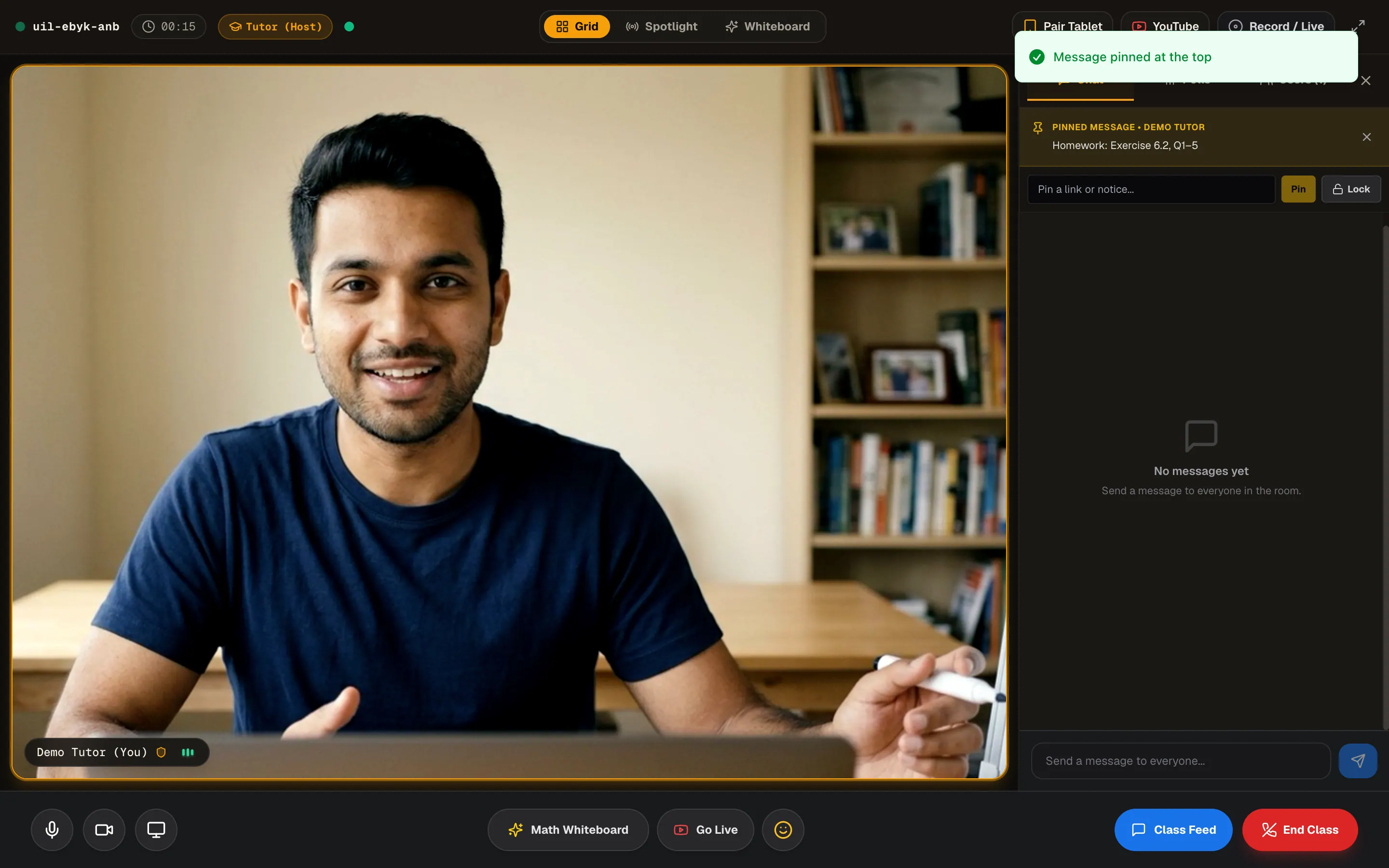
Chat with a pinned message, raise hand and emoji reactions
Structured classroom participation tools designed to keep every student focused and engaged.
- •Classroom text chat with pinned messages for formulas, links, and homework notices
- •Structured raise-hand queue so tutors can address questions systematically
- •Emoji reactions for immediate pulse checks without interrupting audio
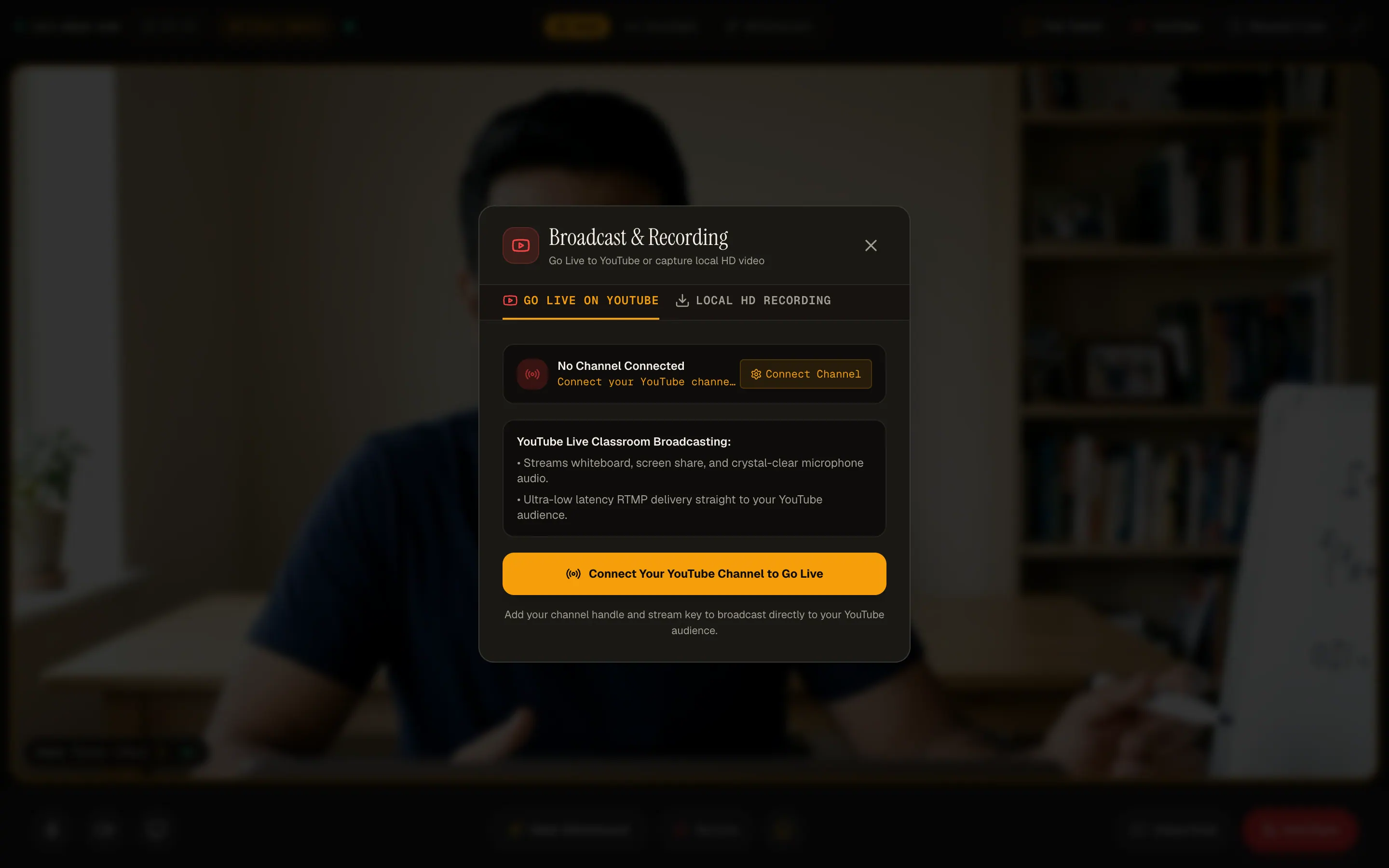
Local HD recording download and YouTube Live streaming
Preserve every class for revision and archive lectures or broadcast live sessions to YouTube.
- •Local HD recording download saved directly to your computer immediately after class
- •YouTube Live streaming for public, private, or unlisted broadcasts
- •Zero cloud storage fees or third-party download expirations
Complete Feature Catalogue & Roadmap
Every Mathsy Meet feature
Full transparency: here's everything in Mathsy Meet, what works today and what's coming next.
Mathsy Meet vs Google Meet vs Zoom
Google Meet and Zoom are great for meetings. Mathsy Meet is built for teaching maths.
| Feature | Google Meet | Zoom | Mathsy Meet ★ |
|---|---|---|---|
| Built for | General meetings | Meetings and webinars | Maths and science tutoring |
| Join from a browser link | Yes | Yes | Yes |
| Screen sharing | Yes | Yes | Yes |
| Whiteboard | Through add-ons (Miro, Figma) | Built-in whiteboard | Built-in live board with maths instruments |
| Compass, protractor, ruler, set-squares | No | No | Yes |
| Write with a tablet as a pen | Second device via Companion Mode | Possible | Yes — pair with a code |
| Whiteboard notes after class | No built-in whiteboard | Manual export | Download as PDF |
| Live polls | Depends on plan | Yes | Single choice, multi-correct and written answers, with timers and a leaderboard |
| Tutor controls (mute all, remove, lock chat) | Yes | Yes | Yes |
| Raise hand & reactions | Yes | Yes | Yes |
| Record your class | Depends on plan | Yes | Yes, saved to your computer |
| Price | Free plan with limits; paid plans | Free plan with limits; paid plans | Flat ₹999/month per tutor |
Comparison based on publicly available information as of October 2026. Google Meet and Zoom features vary by plan.
Google Meet and Zoom are trademarks of their respective owners.
Simple, transparent pricing for tutors.
No per-minute penalties. Everything you need to teach math with precision.
Solo Tutor
For individual tutors teaching private or small-group batches.
- ✓All math tools: compass, protractor, ruler & set-square
- ✓Video classes on dedicated media server
- ✓Screen sharing & fullscreen board
- ✓Live polls (up to 6 options) with live results
- ✓Chat with pinned message, raise hand & emoji reactions
- ✓Local HD recording saved directly to your computer
- +Custom features: available as a paid add-on (from ₹4,999, quoted per request)
Pro Tutor
For growing educators, test-prep instructors & multi-batch academies.
- ✓Everything in Solo Tutor
- ✓YouTube Live streaming
- ✓Larger classes (up to 100 students)
- ✓Priority WhatsApp support directly with the founders
- +Custom features: available as a paid add-on (from ₹4,999, quoted per request)
Academy
For coaching centres, schools & teaching institutes with multiple faculty.
- ✓Branded institute domain & custom colours
- ✓Central admin dashboard to manage all tutor rooms
- ✓Dedicated onboarding & teacher training session
- ★Custom features included — planned with you during onboarding (fair use: up to 10 hours/month; larger requests quoted separately)
Common questions about Mathsy Meet.
Everything you need to know about plans, custom builds, and classroom setup.
Elevate your live math sessions.
Book a personalized walkthrough with our founding team to see the live classroom in action.